Tow Truck Services powered by meJobSiteLog.
A towing workflow for the real roadside moment: dispatch, driver steps, photos, signatures, invoices, and payment records in one place.
Built for towing teams from call to close.
Tow Truck Center gives towing operations a simple way to receive calls, dispatch drivers, document the tow, invoice the customer, collect payment, and close the ticket.
Master Admin
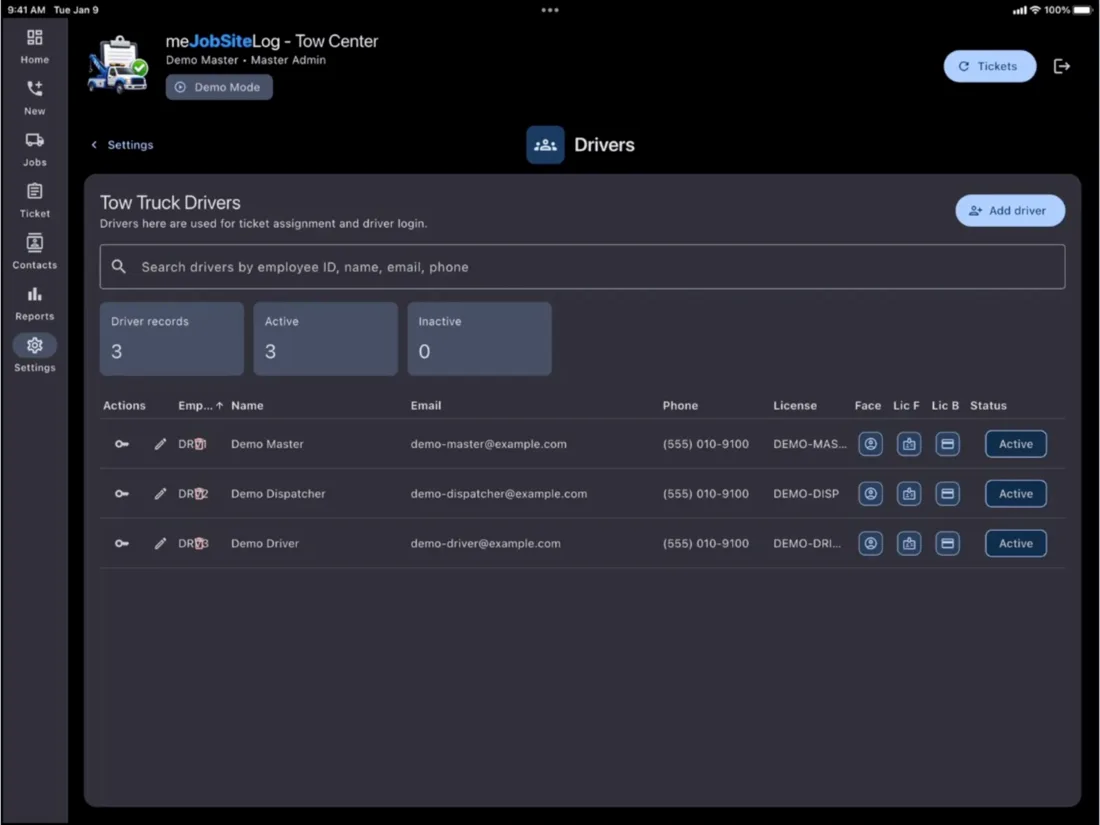
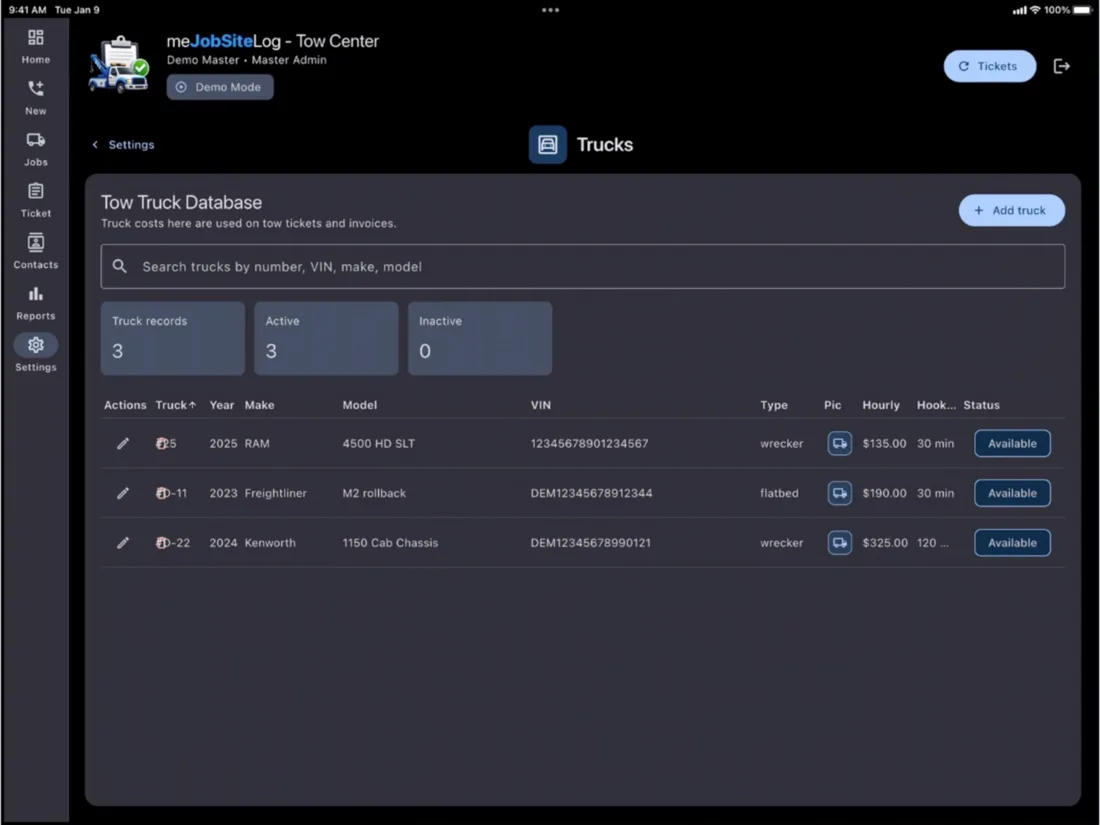
Manage company settings, trucks, drivers, service types, reports, invoices, payments, and records.
Dispatcher
Create tow tickets, assign drivers and trucks, track status, and keep each call moving.
Driver
Use large field buttons for the job sequence, maps, safety checks, photos, signatures, and payment steps.
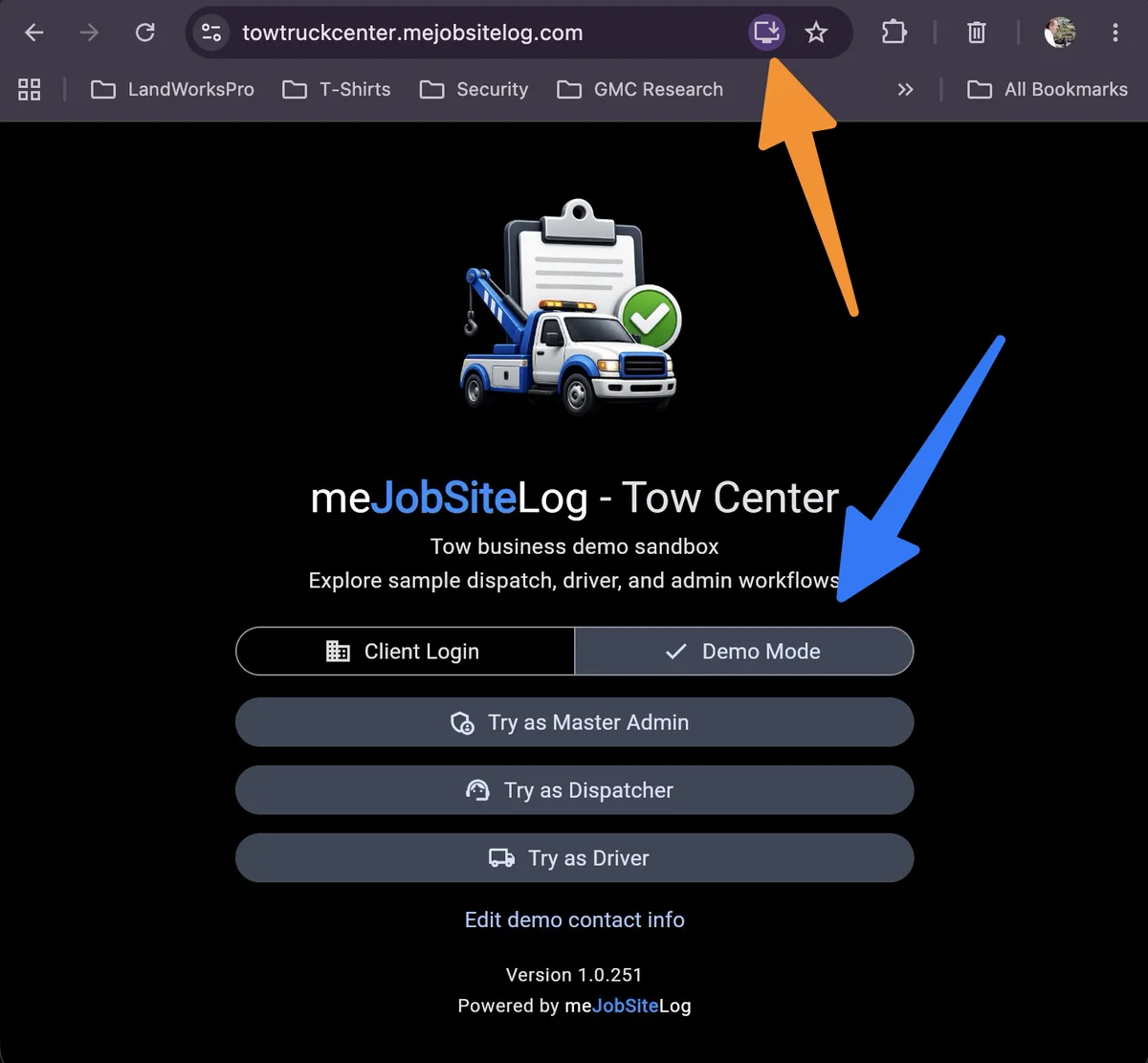
Use it in the browser or install it as a desktop app.
Tow Truck Center runs from the web, and it can be installed as a standalone app on Mac, PC, or Linux without a complicated setup.
Orange arrow: install the web app
The install icon in the browser lets users add Tow Truck Center as a standalone desktop app, so it opens like any other app on the computer.
Blue arrow: open Demo Mode
Demo Mode lets visitors try sample Master Admin, Dispatcher, and Driver workflows without setting up a company first.
Built around the tow from call to close.
The workflow keeps the office and the driver on the same ticket record, from initial call through proof, payment, and reporting.
Dispatch
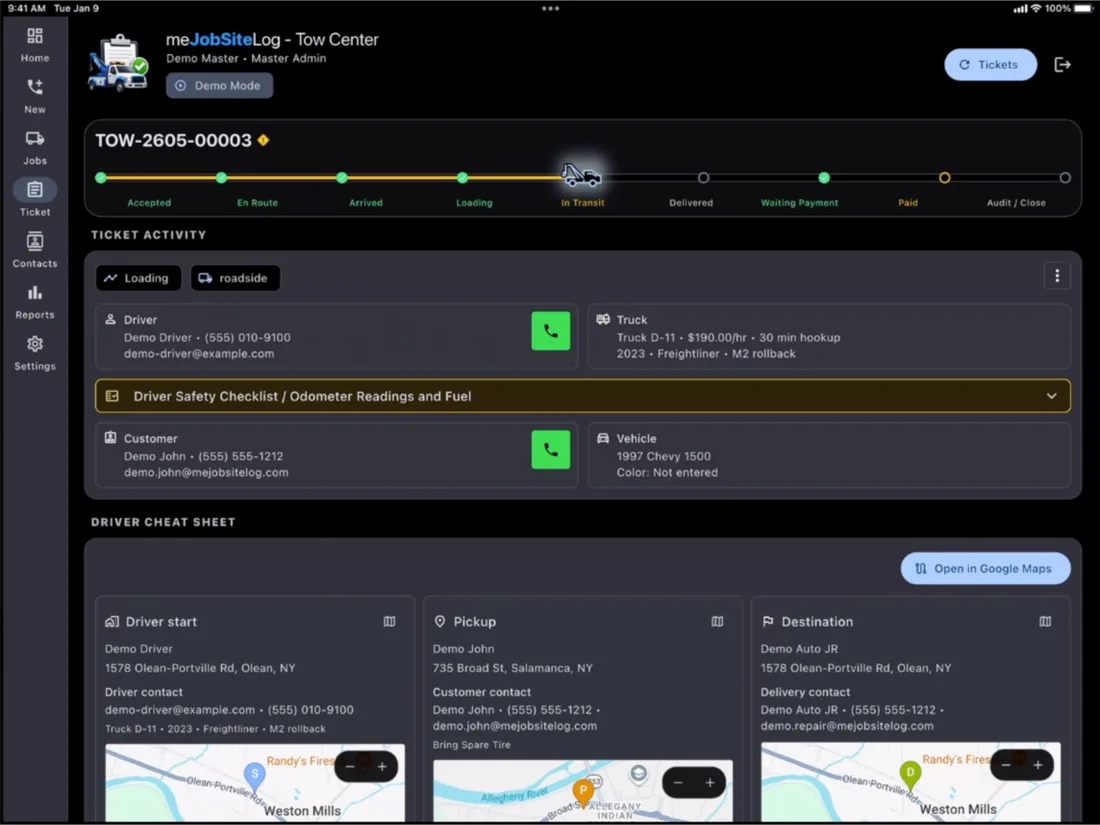
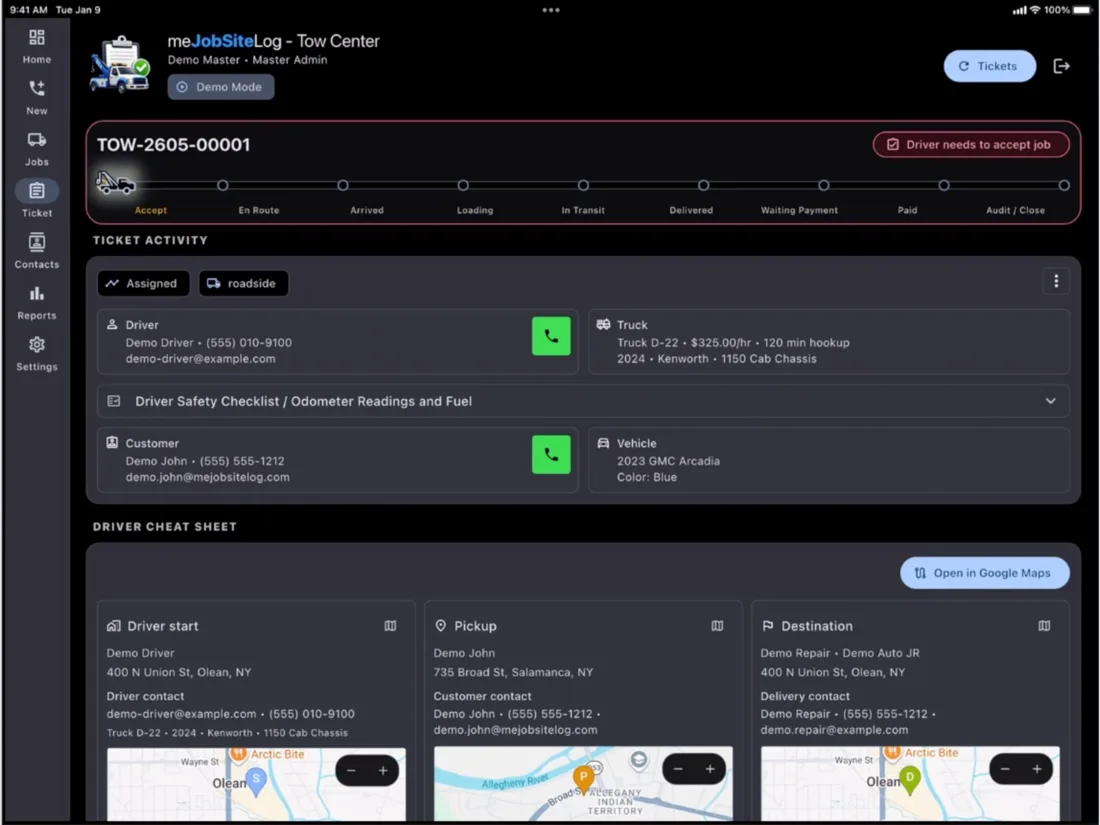
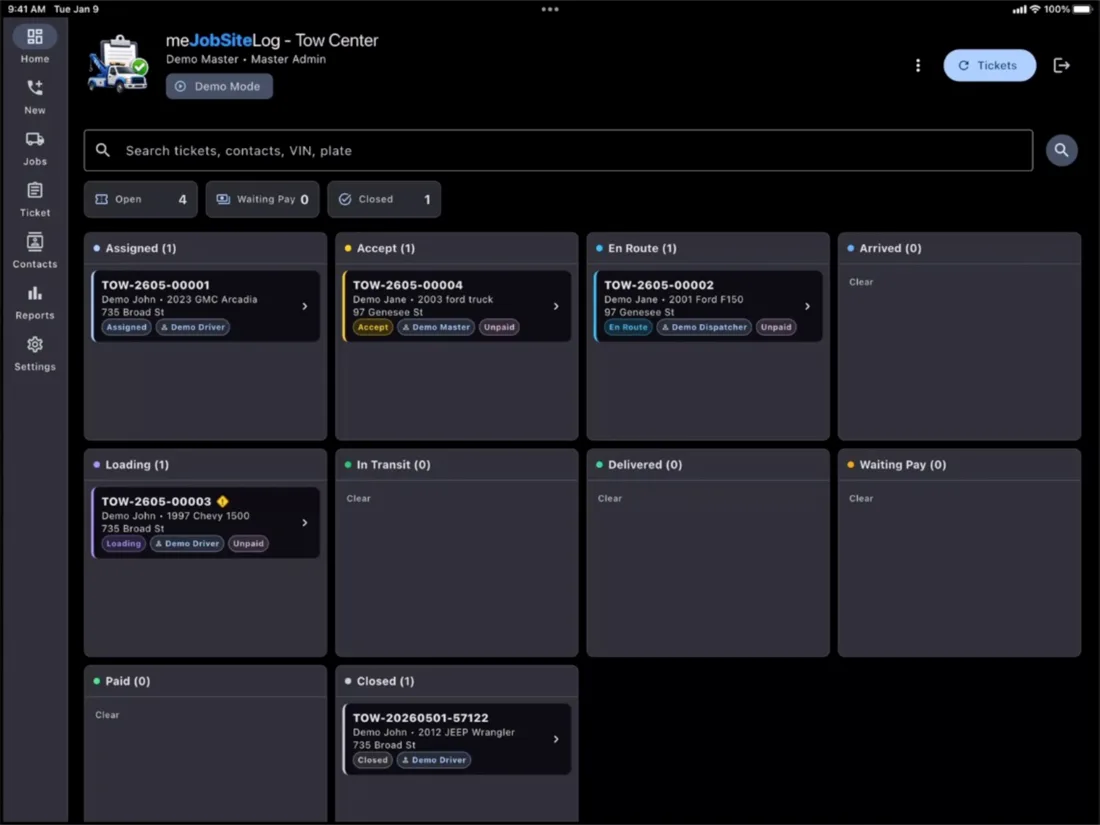
Create tow tickets, assign drivers and trucks, and watch every call move through the board.
Field workflow
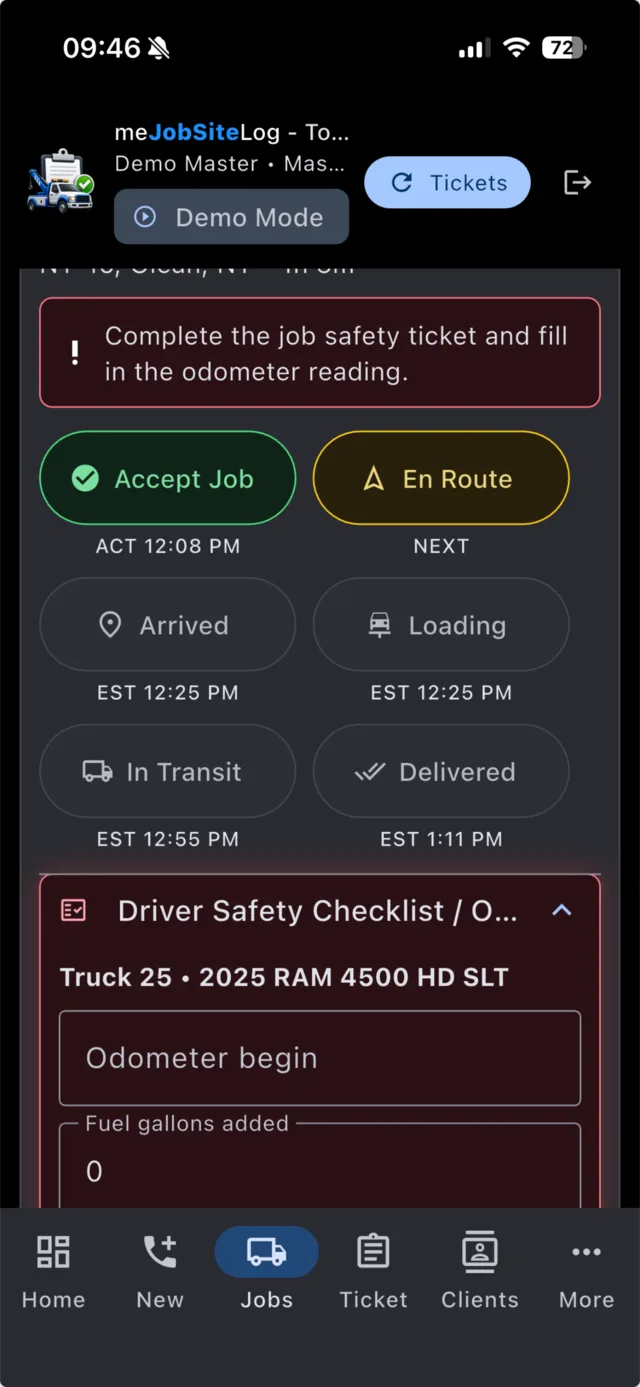
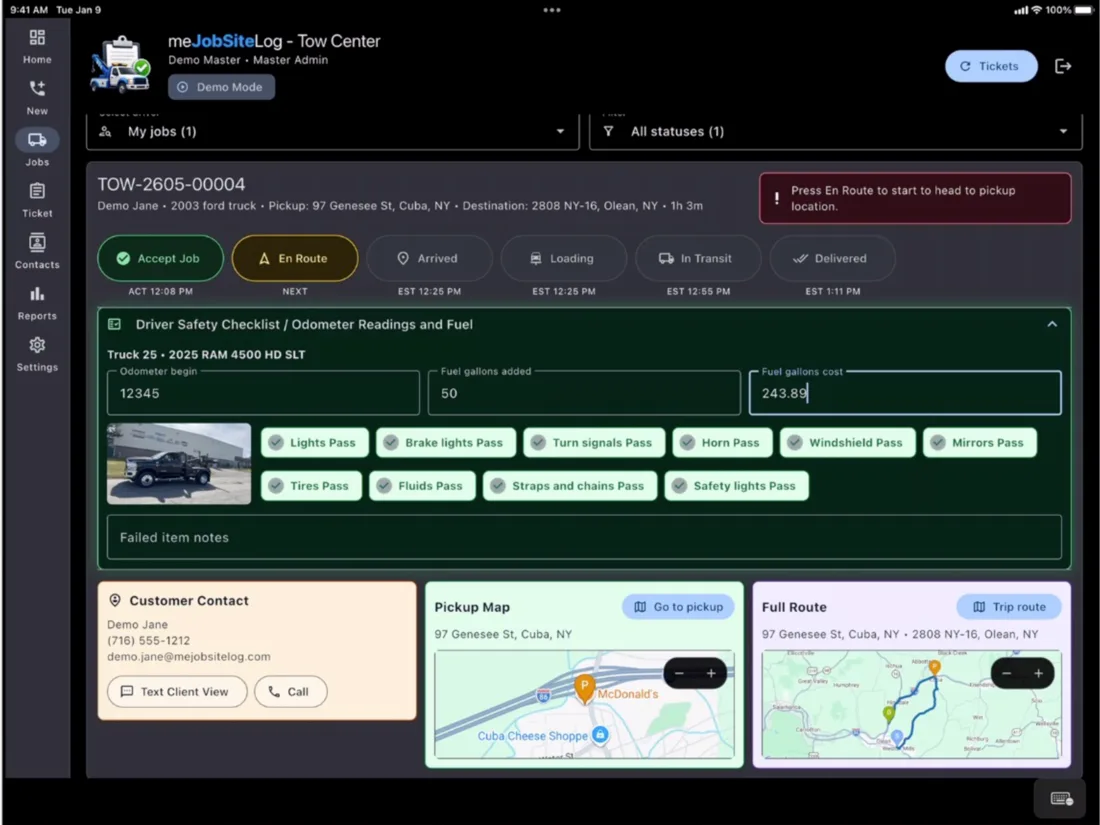
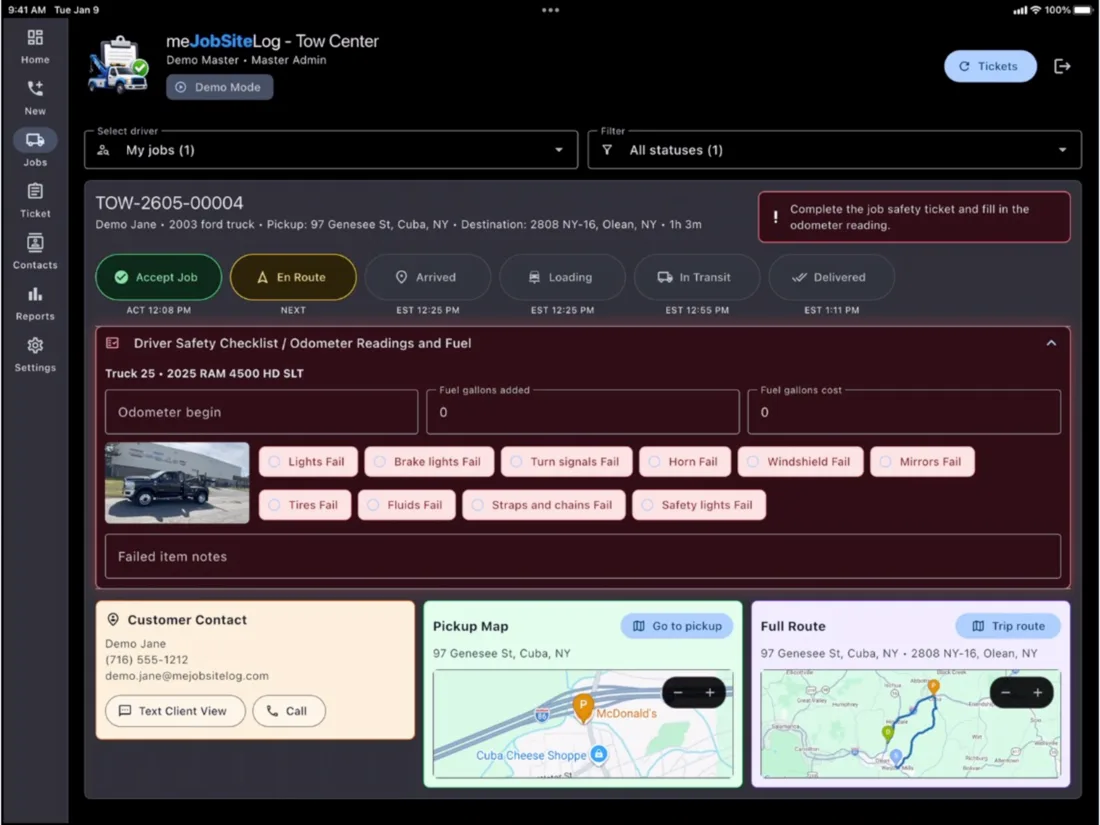
Drivers use large step buttons for accept, en route, arrived, loading, in transit, and delivered.
Proof of service
Capture route maps, safety checks, pickup photos, drop-off photos, signatures, and ticket history.
Invoice and report
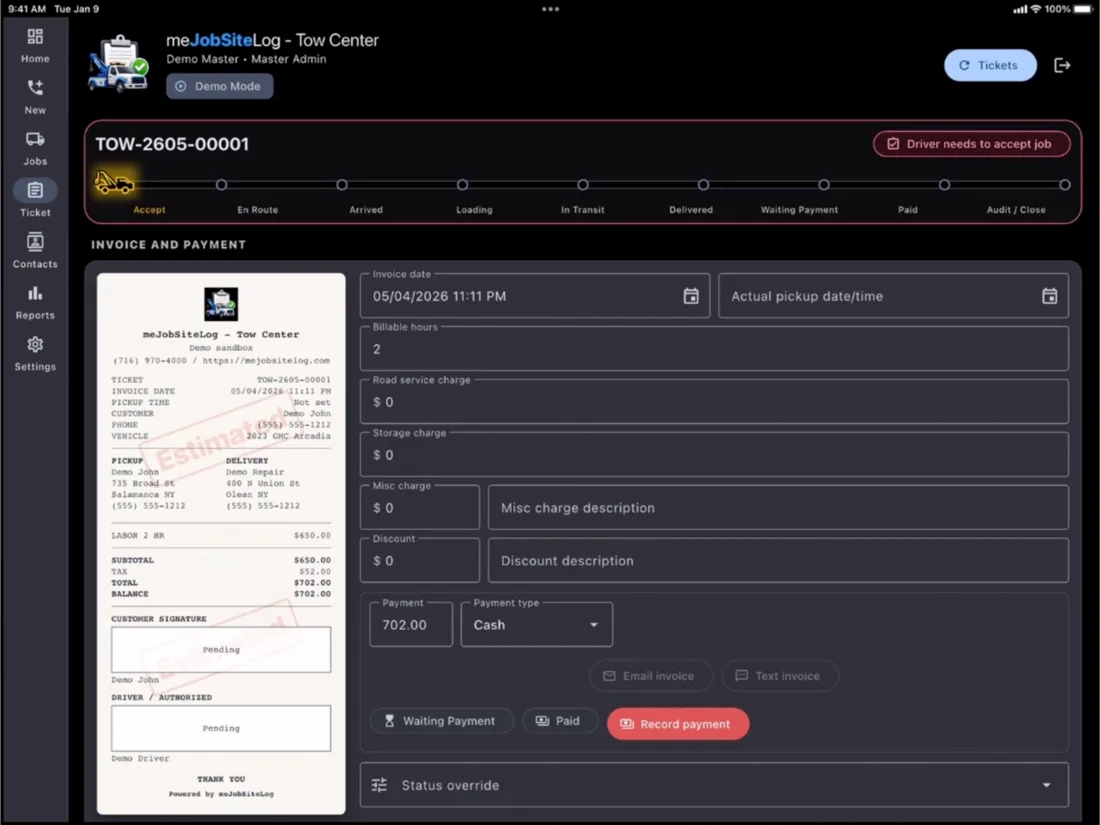
Review receipts, payments, billed miles, actual miles, unpaid work, and driver performance.
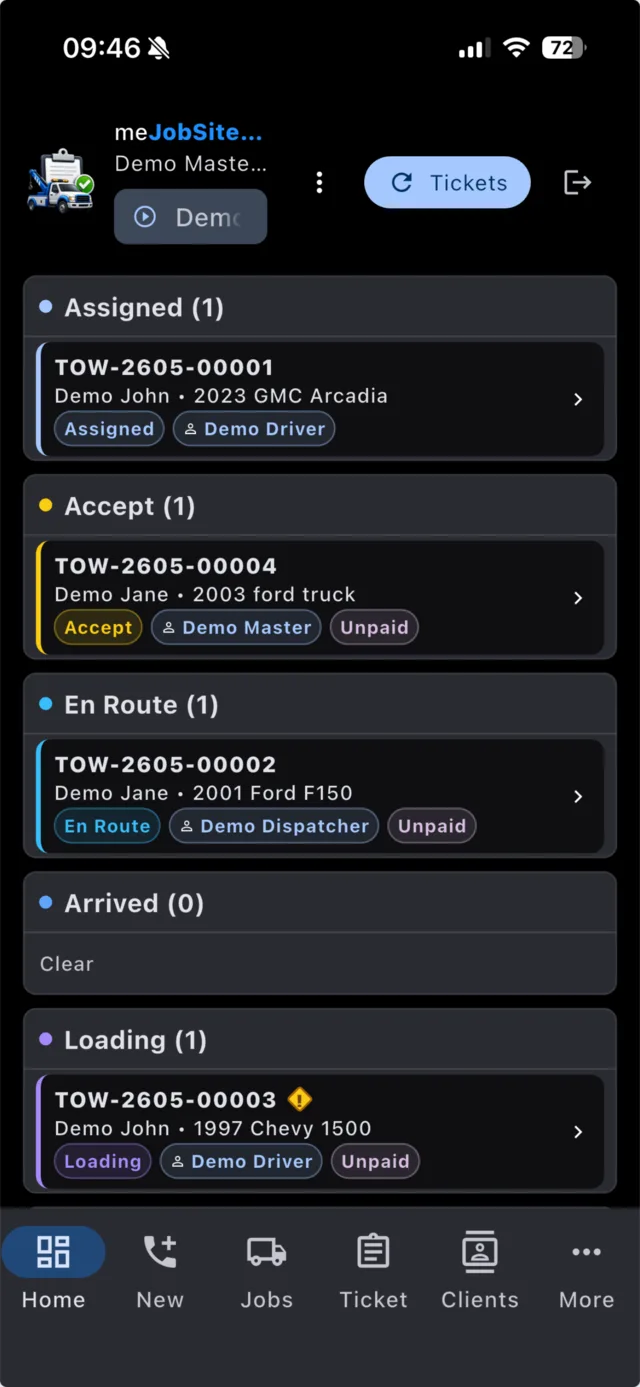
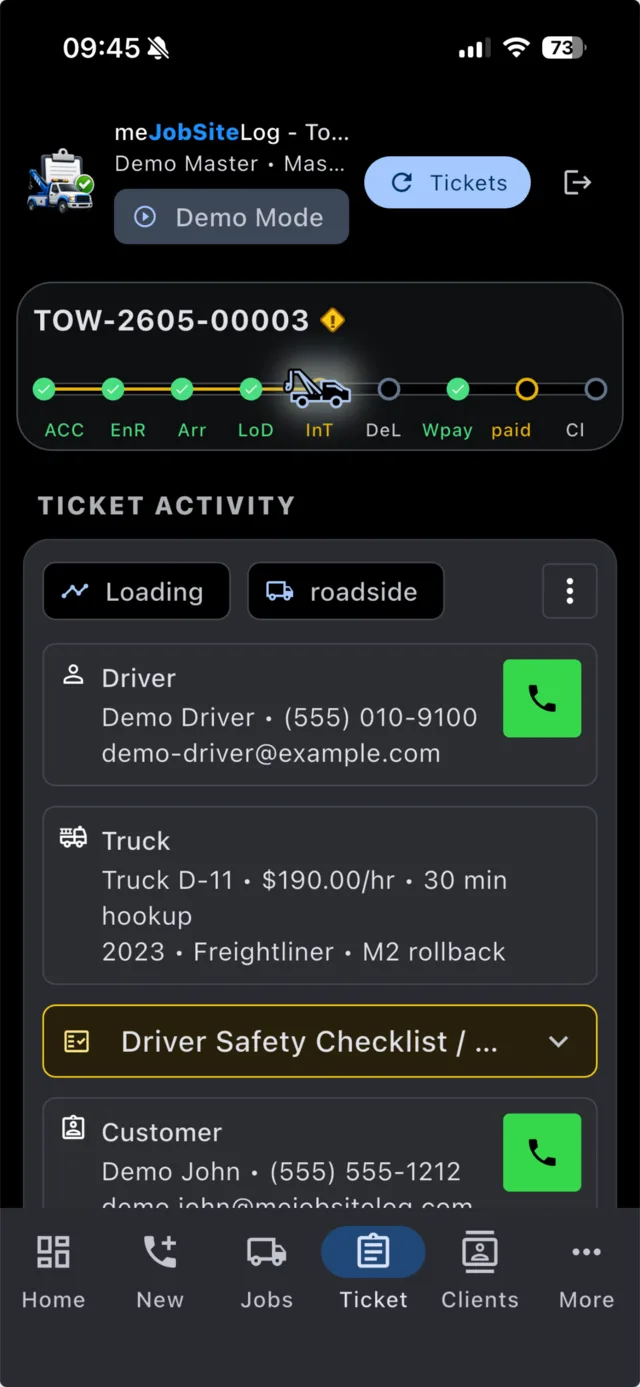
Tow Truck Center on Mobile Phones
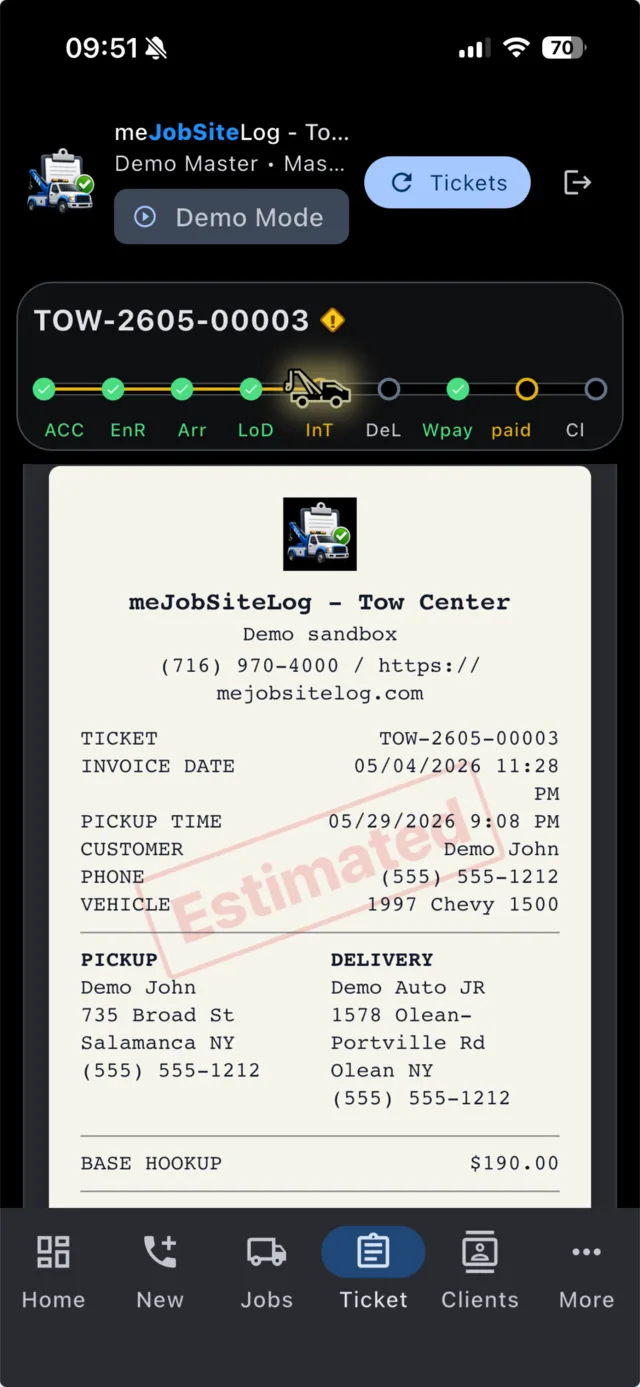
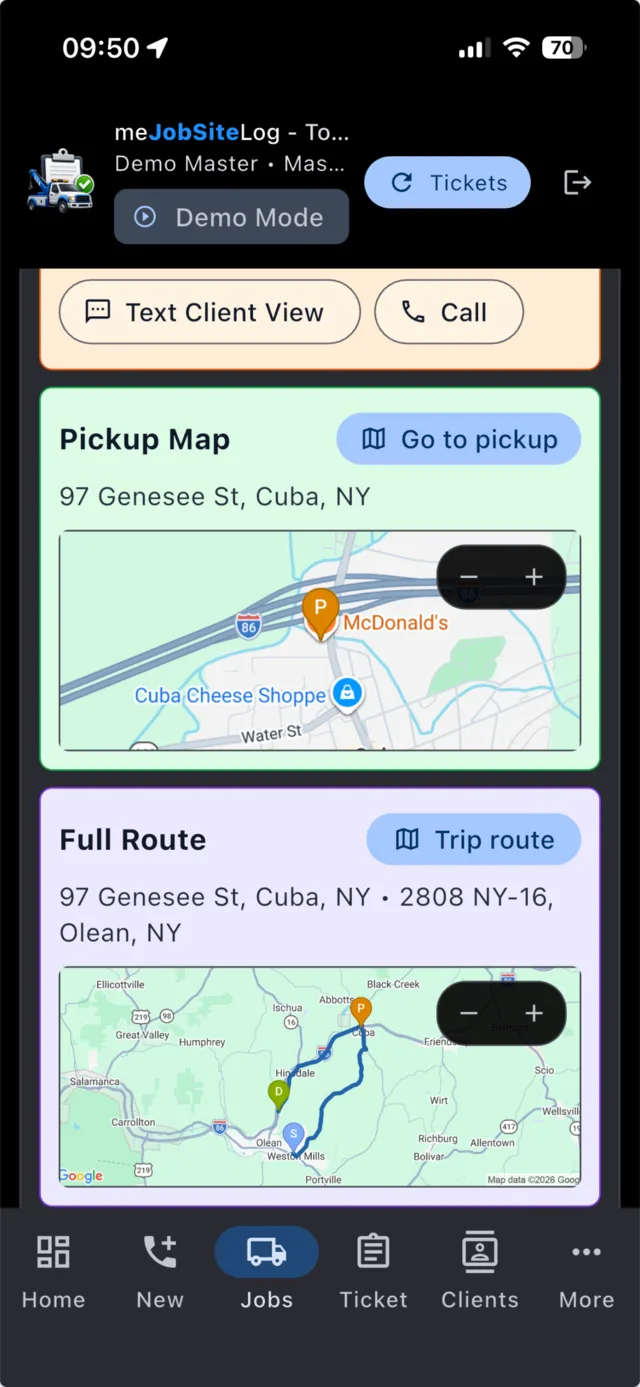
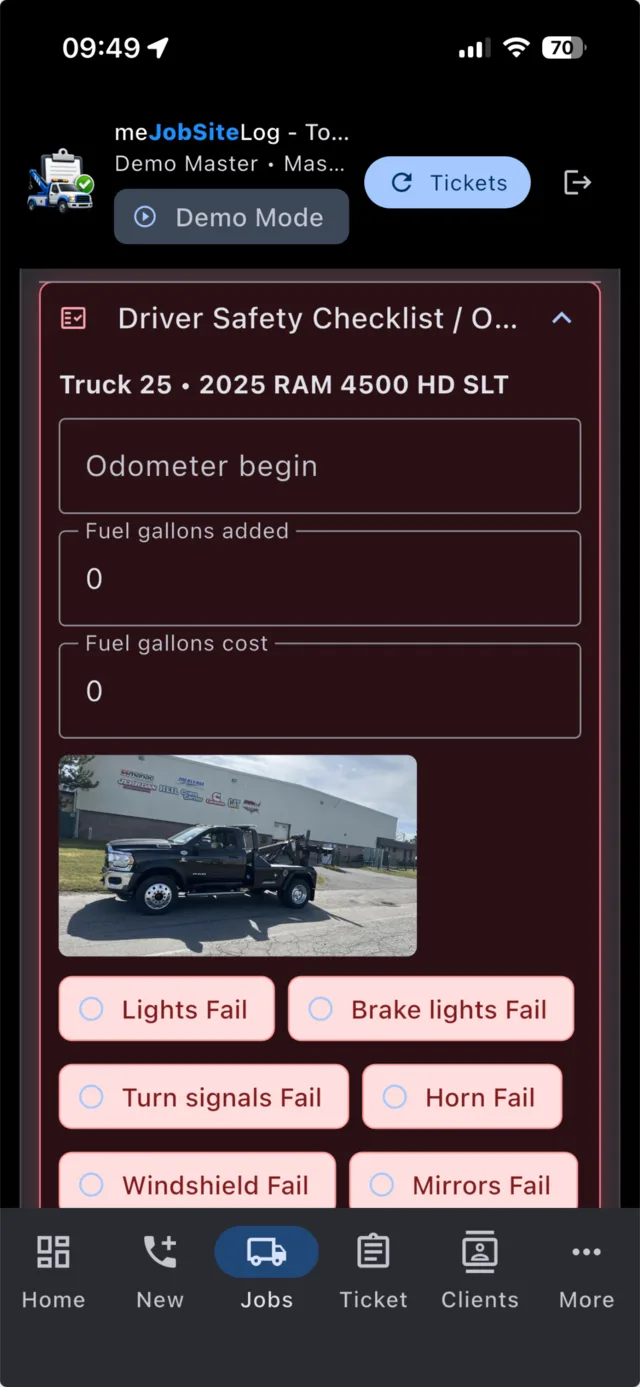
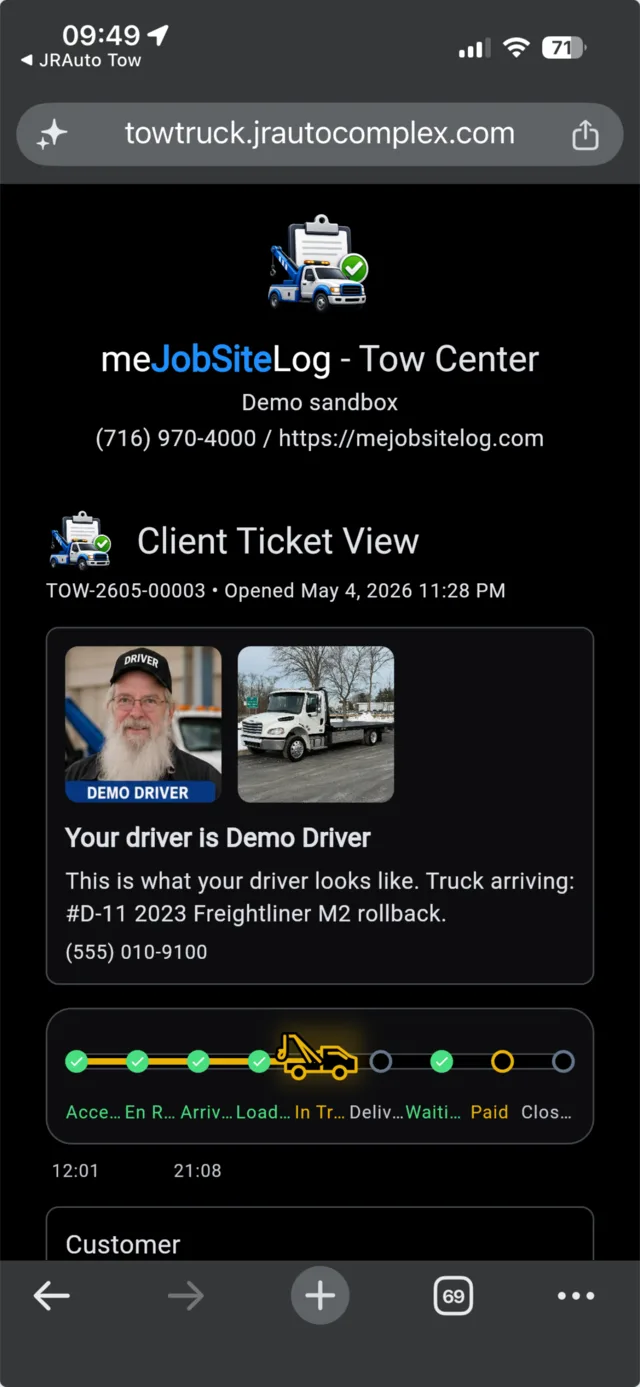
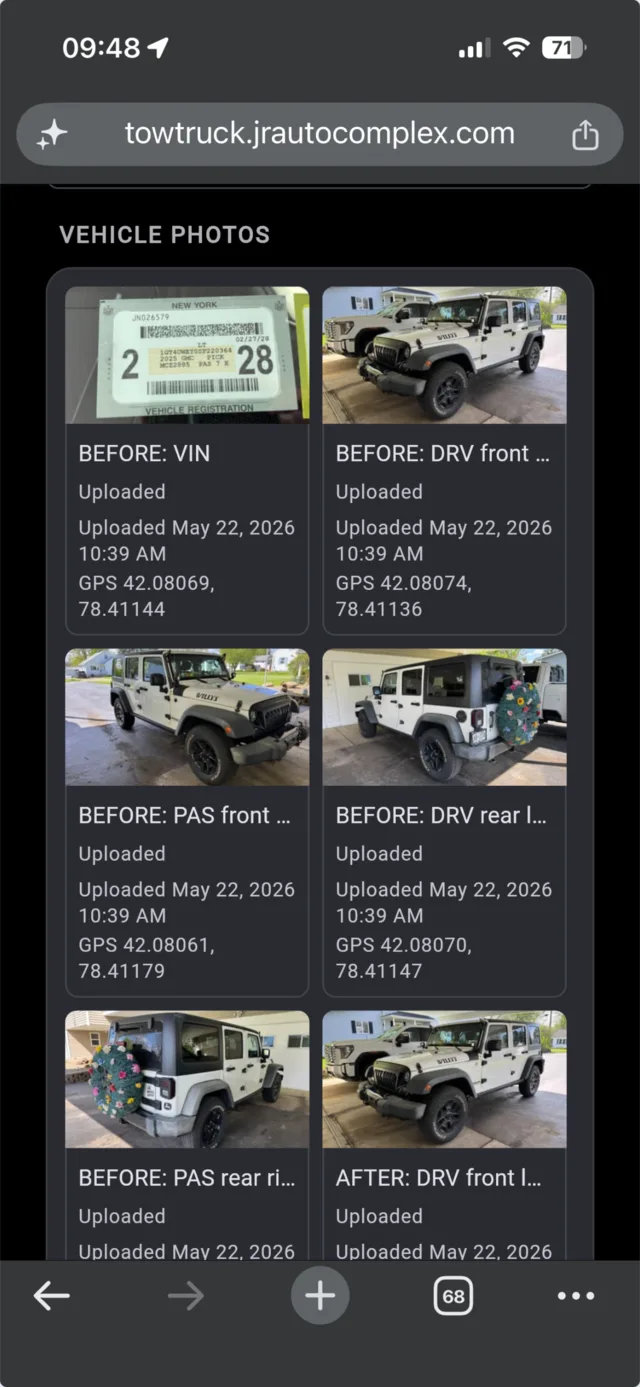
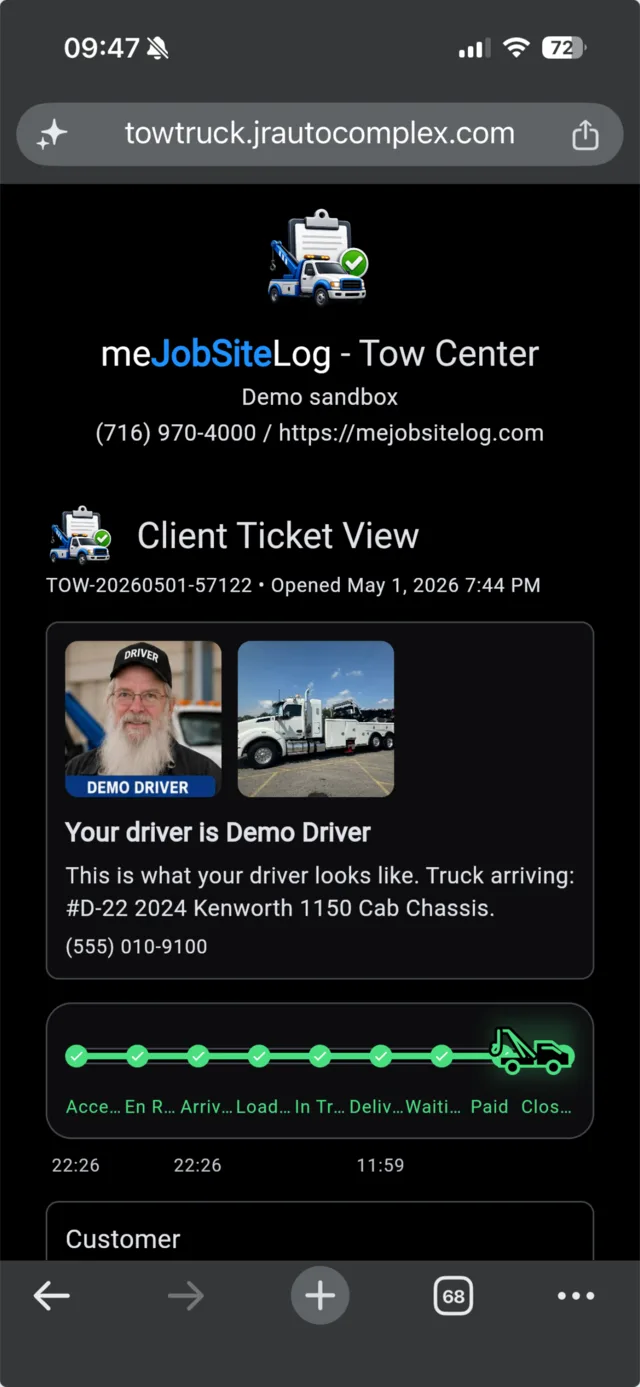
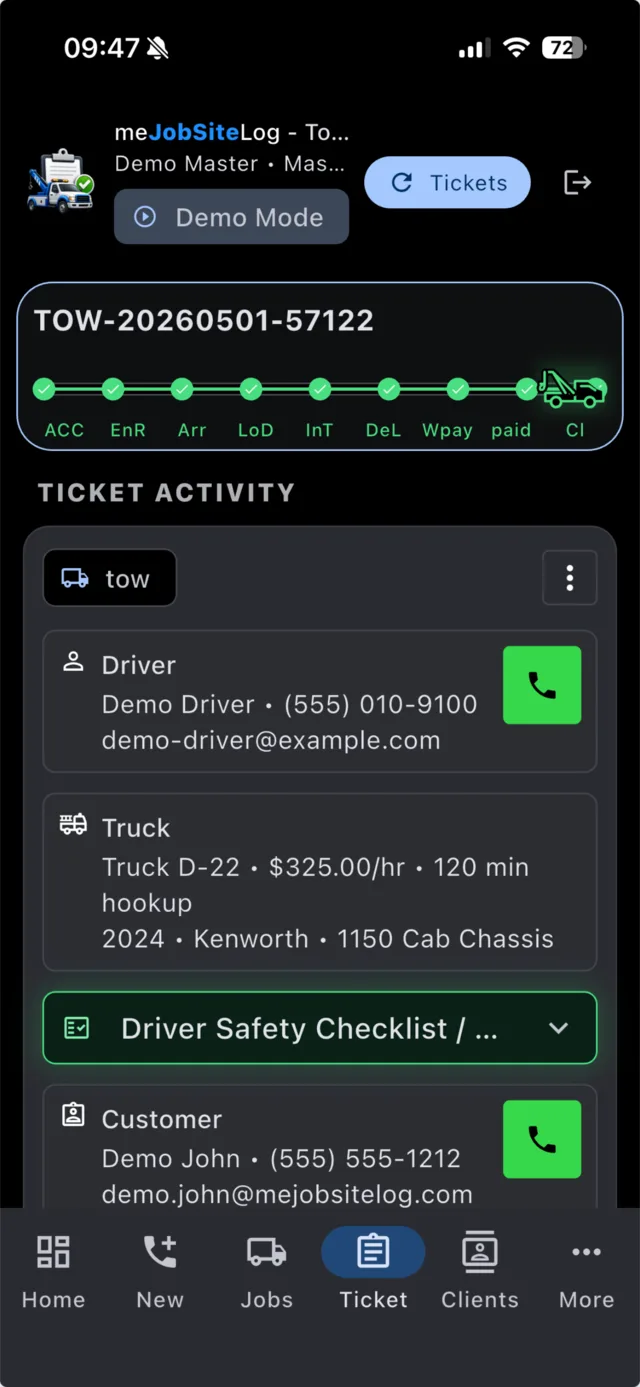
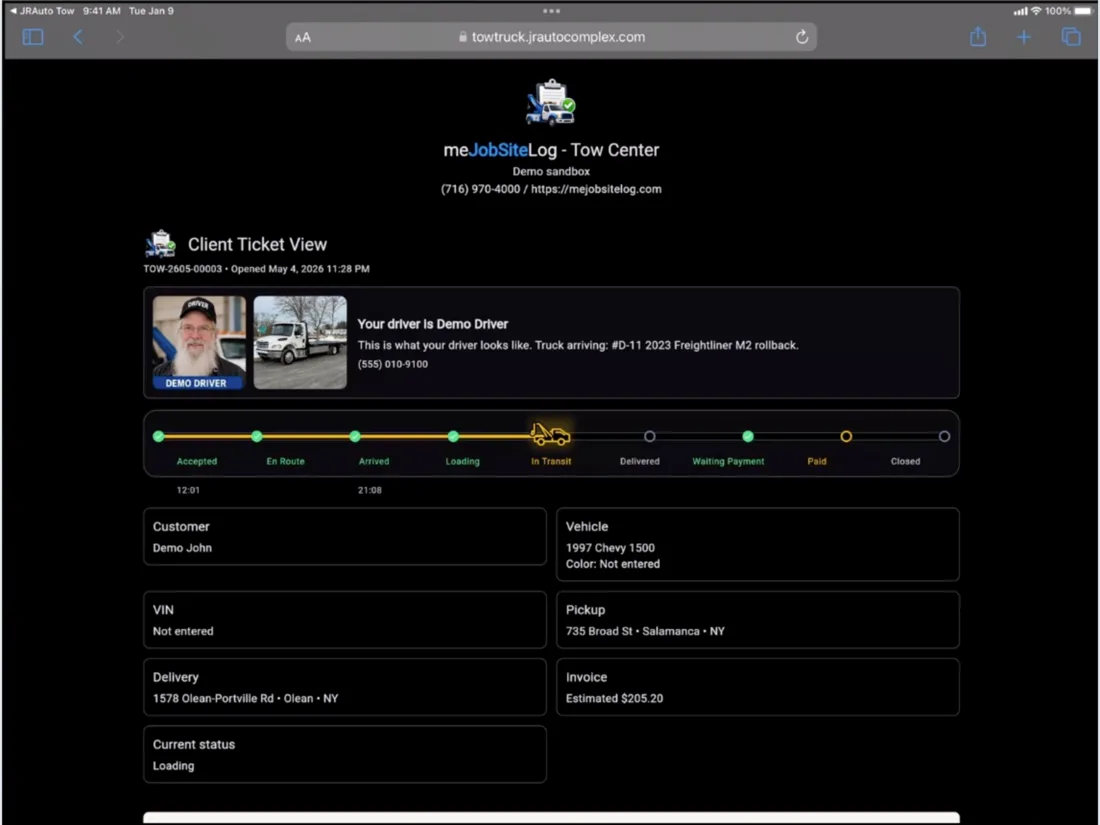
The mobile phone flow is built for quick field work: invoices, maps, checklists, photos, client views, and driver status updates.
Tow Truck Center on Tablet Devices
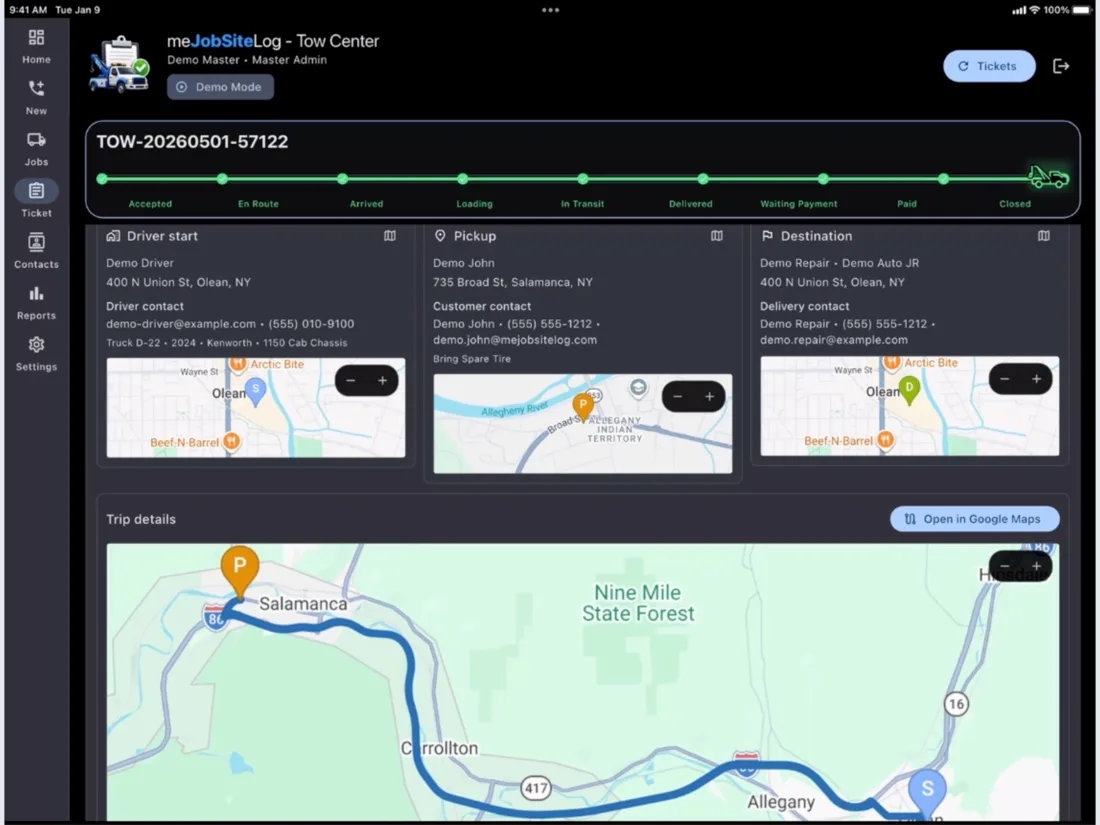
The tablet view gives office staff and larger-screen users more room for ticket details, routes, tables, reports, and dispatch boards.
Try the towing demo today.
Open the demo, switch on Demo Mode, and walk through Master Admin, Dispatcher, and Driver workflows.